Fixes across calls, placements and setup
A round of fixes to the placement workflow.
-
Call outcomes are recorded correctly.
-
Approved places flow through to assignment as expected.
-
The placement date window applies consistently.
-
The sending organisation stays selected as you move through the create-internship wizard.
-
Sending-organisation details open correctly after changing the organisation.
-
Completing your organisation's setup now succeeds reliably.
Fields of Expertise
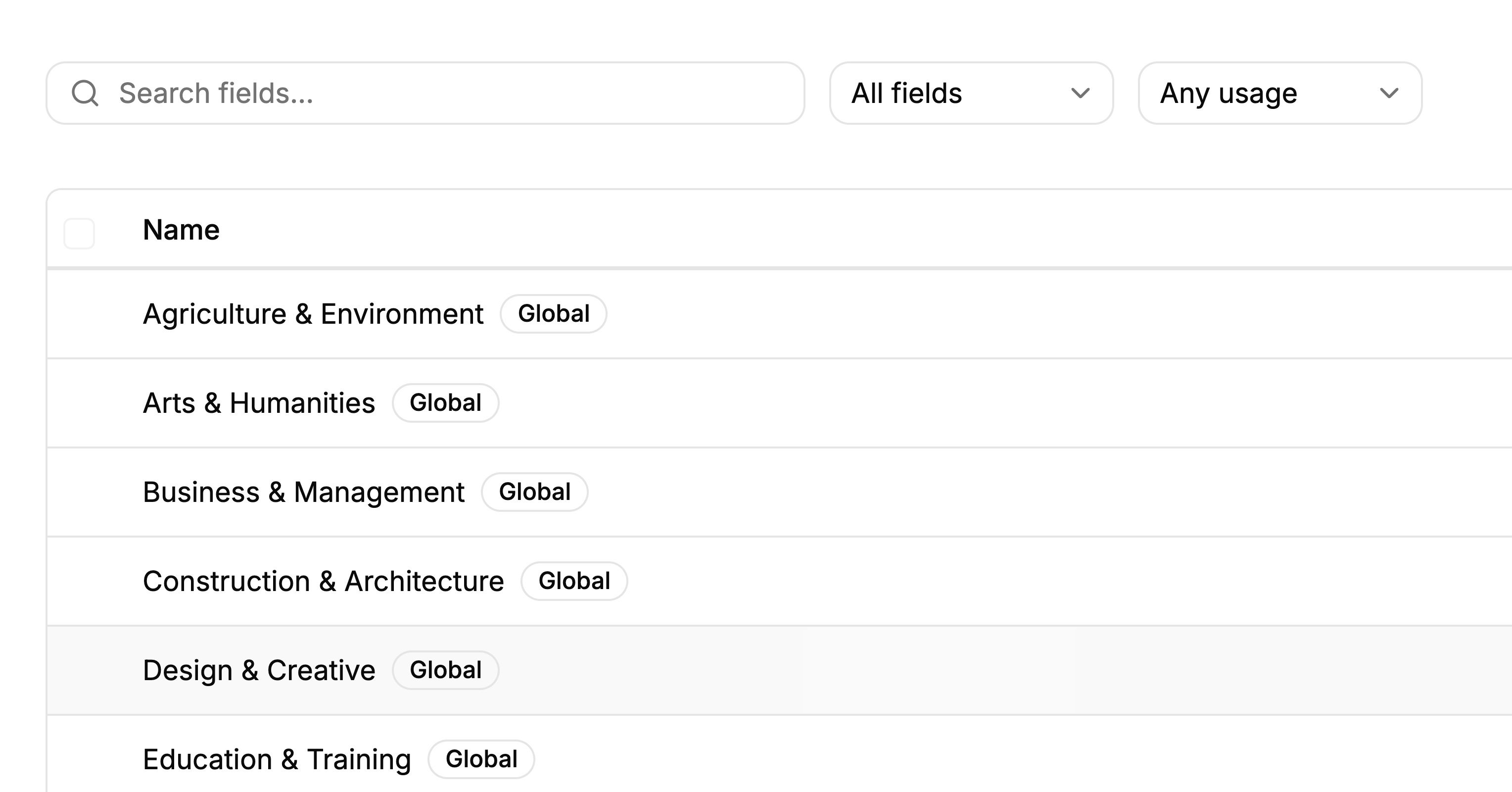
You can now manage fields of expertise properly — and set them for a whole internship at once.
-
Fields shared across Minto are separated from the ones your organisation creates
-
Every field shows where it is being used, and fields in use can't be deleted by accident
-
Merge duplicate fields in one step
-
Filter interns and firms by field
-
Assign fields to every intern on an internship in a single action
A quicker path through your internships
The internship list now opens on the work that needs you.
-
It opens on live internships, sorted by arrival date.
-
Filtering by status returns exactly what the table shows.
-
Empty tables explain why they're empty and offer the next step.
A refreshed Minto, and more reliable email
A cleaner look, and notifications you can count on.
-
A neutral visual style across the app, with the Minto mark standing in wherever an organisation has no logo.
-
Confirmation dialogs clearly mark actions that can't be undone.
-
Every email now goes through a queue with automatic retries, so invitations and notifications arrive dependably.
Documentation, and a new Minto website
Minto now has a public home and a documentation site.
-
Documentation lives at myinternshiporganizer.com/docs, linked from the header on every page.
-
The public website includes a pricing page that always reflects the current plans.
Steadier document handling
Uploading and reading documents is more reliable.
-
CVs and other PDFs open in Minto's own viewer instead of loading from an external service.
-
Uploading several CVs at once is handled reliably.
Organisation timezone, and automatic firm notifications
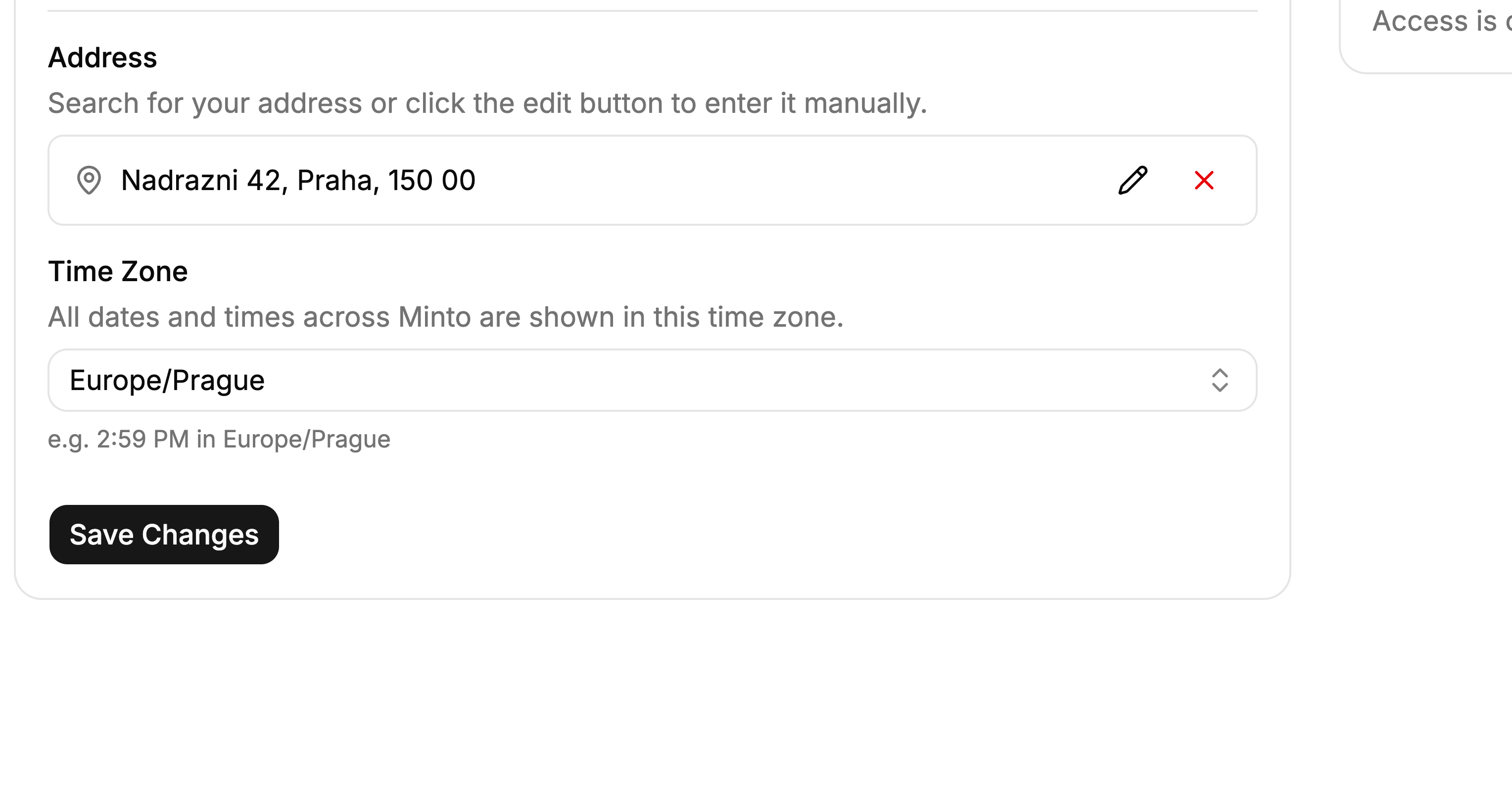
Two additions that keep everyone on the same schedule and in the loop.
-
Choose your organisation's timezone in company settings; all dates and times display in it, so everyone sees the same schedule regardless of their device.
-
Firms are emailed automatically when an intern is requested through a share link, and again when that request is approved.
-
Invitation emails carry a working join link with a clear expiry.
Welcome to Minto Updates
We're launching our public feedback board to hear directly from you.
Here's what you can do:
-
Share ideas: Tell us what features you want to see
-
Vote: Help us prioritize what matters most
-
Stay updated: Follow along as we ship improvements
Your feedback shapes what we build next. We're listening!